
Loading a New Roll
Step 1
Place new roll in roll supports, ensuring that the towel is fed over the top.
Position the end of the towel under the blue transfer bar leaving a 1” flap as shown.
Step 2
Press the feed button on far right side of the dispenser and hold until the towel is fed into the dispenser.
Step 3
Close cover. Wave hand for towel to dispense.
Loading a Second Roll
Step 1
Relocate a partial roll from the upper roll holders to the lower roll holders while keeping towel engaged with feed rollers.
NOTE: Partial roll must be equal in size or smaller than the diameter of the top roll holders (3”) before relocating to lower roll holders.
Step 2
Load a new towel roll so that the core plugs fit into the upper roll holders and the paper feeds over the top of the roll.
Step 3
Position the end of the towel under the blue transfer bar. The new roll will auto transfer as the partial roll is used up.
Do not press the sheet feed button as this will cause the dispenser to double-feed.
Step 4
Close cover. The Pacific Blue Ultra® Automated Towel Dispenser is now ready for operation.
Dispenser Settings
Click below and learn more about each setting
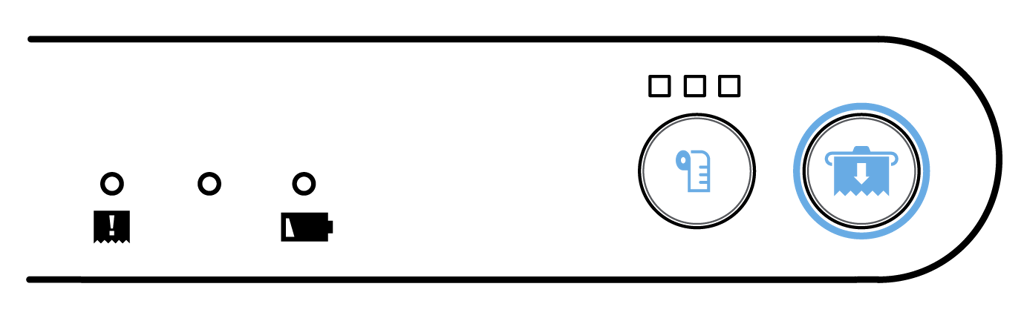


Towel Settings

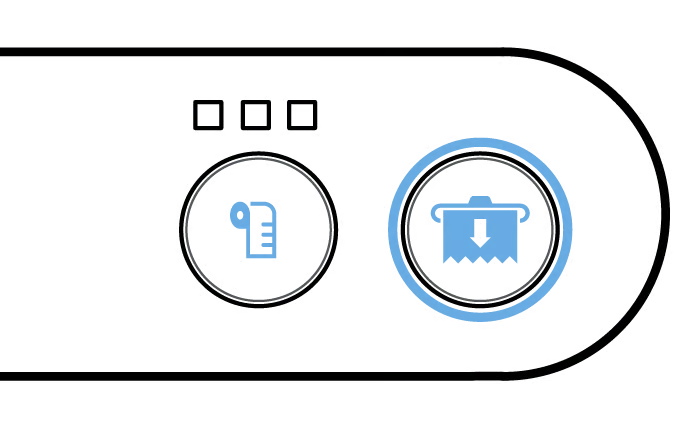
Sheet Length
Sheet length may be adjusted to a short, medium, or long setting.
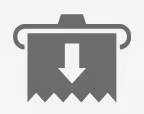
Sheet Feed Button
Sheet feed button is used to advance a towel while loading.
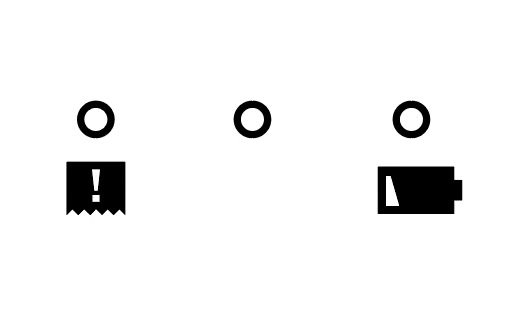
Dispenser Lights
These lights communicate different statuses that the dispenser is in.

Low Battery
Red light flashes slowly when battery is low. Light flashes quickly when battery is very low.

Paper Jam
All three lights flashing indicate paper jam.

Dispensing
Blue light appears when a towel is being dispensed.
Battery Loading
Step 1
Use key to open front cover and remove towel roll(s) if needed.
Step 2
Open battery cover and remove depleted batteries. Insert four new D-cell alkaline batteries.
Step 3
Close battery cover, reload towel roll(s) and close cover.

Battery Care and Disposal
1.
Keep in original packaging until ready for use.
2.
Remove battery from device when not in use for an extended period of time.
3.
Never disassemble battery. Chemicals inside battery can be dangerous if swallowed or exposed to skin.
4.
Avoid mechanical or electrical abuse.
5.
Keep away from children.
6.
Battery is not designed to be recharged.
7.
Avoid extreme temperatures.
8.
Do not incinerate, since battery may explode at excessive temperatures.
9.
Do not dispose of large amounts of batteries as it creates a safety risk.
10.
Dispose of accumulated batteries in accordance with appropriate federal, state, and local regulations.
11.
Do not mix old and new batteries or non-rechargeable and rechargeable batteries.
12.
Rechargeable batteries are not recommended.